The Real Limits of AI Photo Retouching in 2026

Read | Loved by: 33
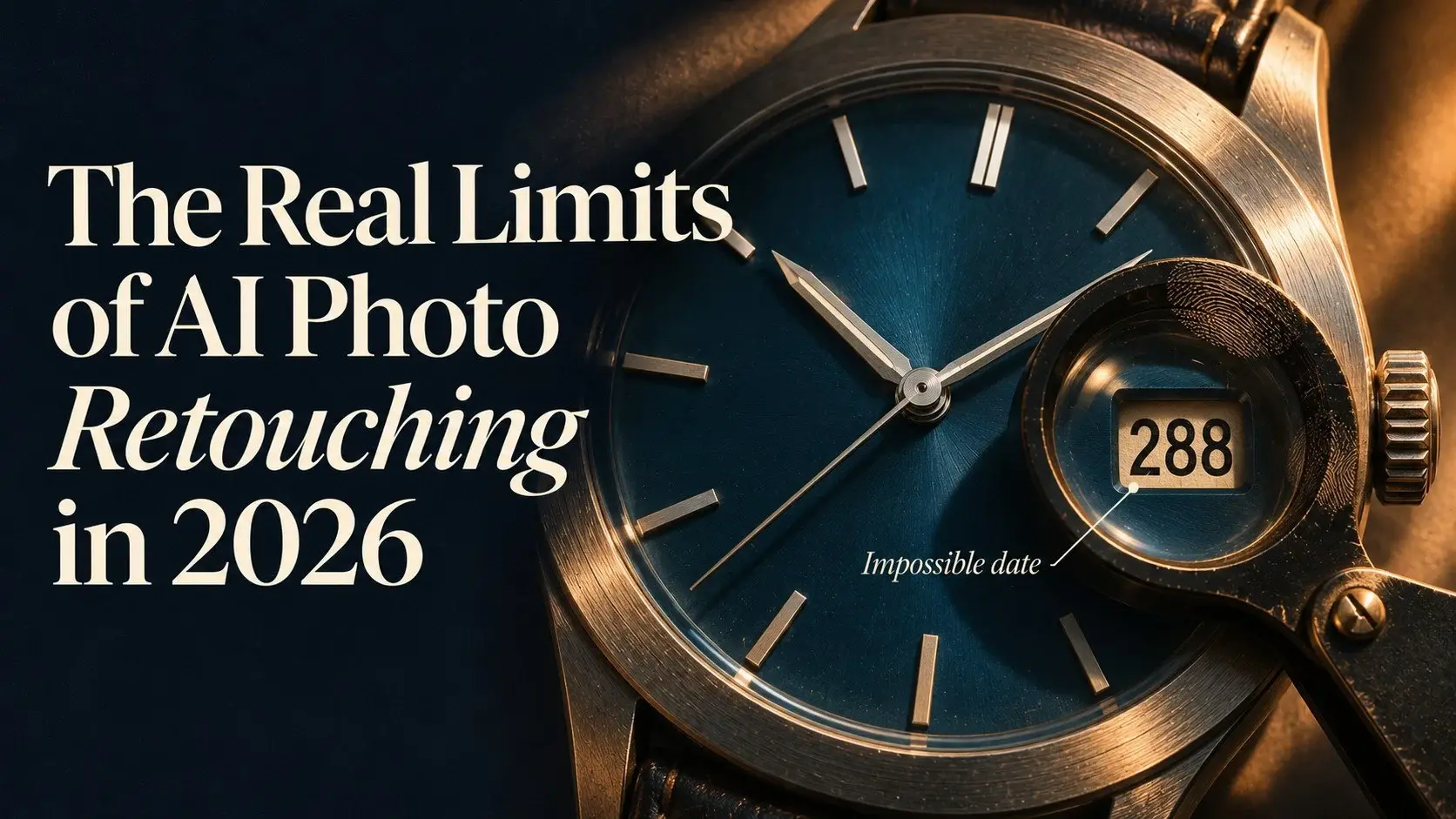
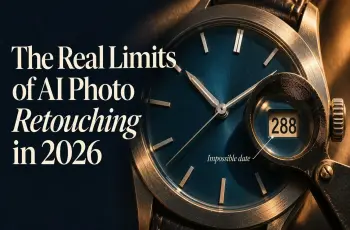
AI photo retouching redraws images instead of editing them. That is the core limit. Many AI tools change textures, text, and small parts you never touched. This guide shows each failure, why it happens, and how to check for it.
TL;DR
AI redraws textures, faces, patterns, and logos. Check at 100% zoom.
It garbles label text and moves small parts and reflections.
It over-smooths skin and adds details you never asked for.
Better prompts help, but they can’t remove a tool’s limits.
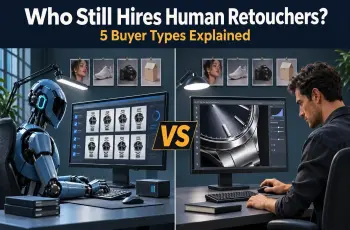
Human retouchers give you layered files, color matching, and accountability.
Why does AI change parts of the photo you didn’t ask it to change?
AI changes parts of the photos because it redraws the image instead of editing it. Most AI tools do it. As a result, it can change textures, faces, patterns, and logos.
An editing tool changes the pixels you select. A generative tool builds a new image from your old one. Anything it rebuilds can drift, even outside the area you pointed at.
Fine textures (fabric weave, leather grain)
What happens: Weave blurs or repeats, and leather grain smooths out.
Why: The model rebuilds texture from patterns it has learned. It doesn’t follow your pixels. Fine texture is the first thing it averages out.
How to check: View both files at 100%. Stack the edit over the original in Photoshop and set the top layer to Difference. Black means unchanged. Bright areas moved.
Faces (identity drift)
What happens: Eyes, nose, and jaw shift a little. The person looks like a cousin of themselves.
Why: The model rebuilds features from the faces it has seen. A tiny move in one landmark changes who the person looks like.
How to check: Flip between original and edit. Compare eye spacing, mouth corners, and nose shape.
Patterns (stripes, plaid, lace, repeats)
What happens: You will see the difference in stripe counts change. Plaid squares will look like they slide out of line.
Why: A repeat has to stay exact across the whole garment. The model redraws each area with small errors, and the errors add up.
How to check: Count the repeats in both versions. Follow one line from edge to edge.
Logos and brand marks (shape and spacing change)
What happens: The letters on the label look thicker, shift the space between words, and flatten the curves.
Why: The model redraws logos or text as close copies, not exact ones.
How to check: Put the original beside the edit at 200%. Compare letter gaps and edge shape.
The 5-step zoom test to find the flaws in AI Photo Retouching
Step 1: Open the original and the edit at 100% zoom, side by side.
Step 2: Check edges. Look for halos, soft borders, and cut-off corners.
Step 3: Check patterns. Count stripes, weave lines, or lace holes.
Step 4: Check the logo/text. Compare letter shape and spacing.
Step 5: Check face landmarks. Eyes, nose, mouth corners, and jawline should sit where they did.
Why do AI details turn into gibberish or land in the wrong place?
AI details turn into gibberish or land in the wrong place because it hallucinates and redraws text and small parts. The copy pattern breaks, and the parts move.
Label and packaging text
AI often rewrites small text as lookalike letters. Ingredient lists, serial numbers, size charts, and warnings are the usual casualties. The model draws letter shapes, trying to copy how the actual words look because it doesn’t read them. Those small, curved, or angled texts leave it with few pixels to hold their shape.
Small parts (prongs, dials, stitching, buttons)
AI keeps the look of small parts and loses the count. For example, the original photo has six prongs, but the AI edit will put only five. The same goes for dials and stitches; AI tools mess up tiny details and lengths. It will sneakily change the details. So, count each part and check its position against the original.
Reflections and geometry (metal, glass, car paint)
Straight edges curve. Reflections show objects that were never in the room. Panel gaps shift. A reflection depends on the whole scene, and the model redraws one area at a time. Lay a guide line along every straight edge and compare the reflection shapes.
Why do AI-retouched photos look plastic or unreal?
AI has a habit of making images look too perfect, which can end up feeling fake. This polished style makes them seem pretty average, and average images often look plastic.
Why does AI over-polish?
Most AI tools are tuned to produce clean, even results. Pores, grain, and small flaws look like errors, so the tool removes them along with the real texture. A “smooth” prompt makes it worse.
How do you spot “plastic” vs natural retouching?
Pores and fine grain: Natural retouching keeps them at 100%. Plastic erases them.
Micro-contrast: Natural retouching keeps tiny light and dark variation. Plastic goes flat in small areas.
Uniform sheen: Plastic shows the same gloss everywhere. Real surfaces have matte patches, scratches, and wear.
Why does AI add details you never asked for?
Generative tools just create stuff that looks good but isn’t the actual product you’re offering. The tools are designed to predict the next step, so it just follows that.
Watch for these:
Extra reflections: Light shapes that the real surface never showed.
Extra stitches: New seams, rivets, or trim.
Extra objects: A second pendant, a stray cable, a new shadow shape.
Extra texture: Grain or pattern on a smooth surface.
When should you use a remove tool instead of generative fill?
Use a clone or heal tool when the unwanted item sits on a simple area, such as dust or a small scratch. These tools just copy your own pixels. Use generative fill only when you need to create a background, like when you’re extending a canvas. Don’t apply it to the product itself. And remember to check every fill at 100%.
How do incorrect prompts cause AI retouching errors?
You’re not really getting the most out of your AI tools. The prompt you write affects what kind of results you’ll see. Vague or “smooth/perfect” prompts tell AI to remove texture. A good prompt lowers errors but can’t remove a tool’s limit.
Can a better prompt fix every problem above?
Not necessarily. A prompt helps guide the tool, but it doesn’t change how it actually works. You might still get redrawn text, wrong part counts, and odd textures even if the prompt seems perfect. If something keeps messing up, try changing your approach. You could mask that area, use a different type of tool, or let a retoucher handle it.
What are the reasons to choose human retouching?
Here are some of the prominent reasons why you should still hire a human photo retoucher. If you are in a dilemma, hopefully these reasons clear up your doubts as you make your hiring decision.
Layered files: A retoucher delivers a layered file. You can change one layer later without redoing the image.
Color matching to the physical sample: A retoucher can hold the real product next to the screen. AI only sees the photo.
Accountability and revisions: A named retoucher owns the result and fixes it on request. A prompt re-run gives you a new image, not a repair of the old one.
Judgment on what to leave alone: A retoucher keeps real scratches, grain, and hallmarks when they belong to the product.
Marketplace and disclosure rules: A skilled photo retoucher is well aware of each marketplace’s current rules on AI-edited and AI-generated images before you submit.
Wrapping Up
You can still use AI for photo retouching for simple edits or techniques that take a lot of time to do manually. However, you have to be prepared to detect mistakes that may come up.
At Color Clipping, we use AI for batch clipping paths and simple background removal. All the other advanced retouching is left for skilled retouchers. We have a separate quality control team that checks every photo for flaws before delivery.
FAQ
Sumaia Islam
Sumaia Islam is an SEO content writer. She writes for global B2B brands, specializing in AEO and GEO frameworks. With 4+ years of experience, she combines strategic thinking for AI visibility with editorial depth.